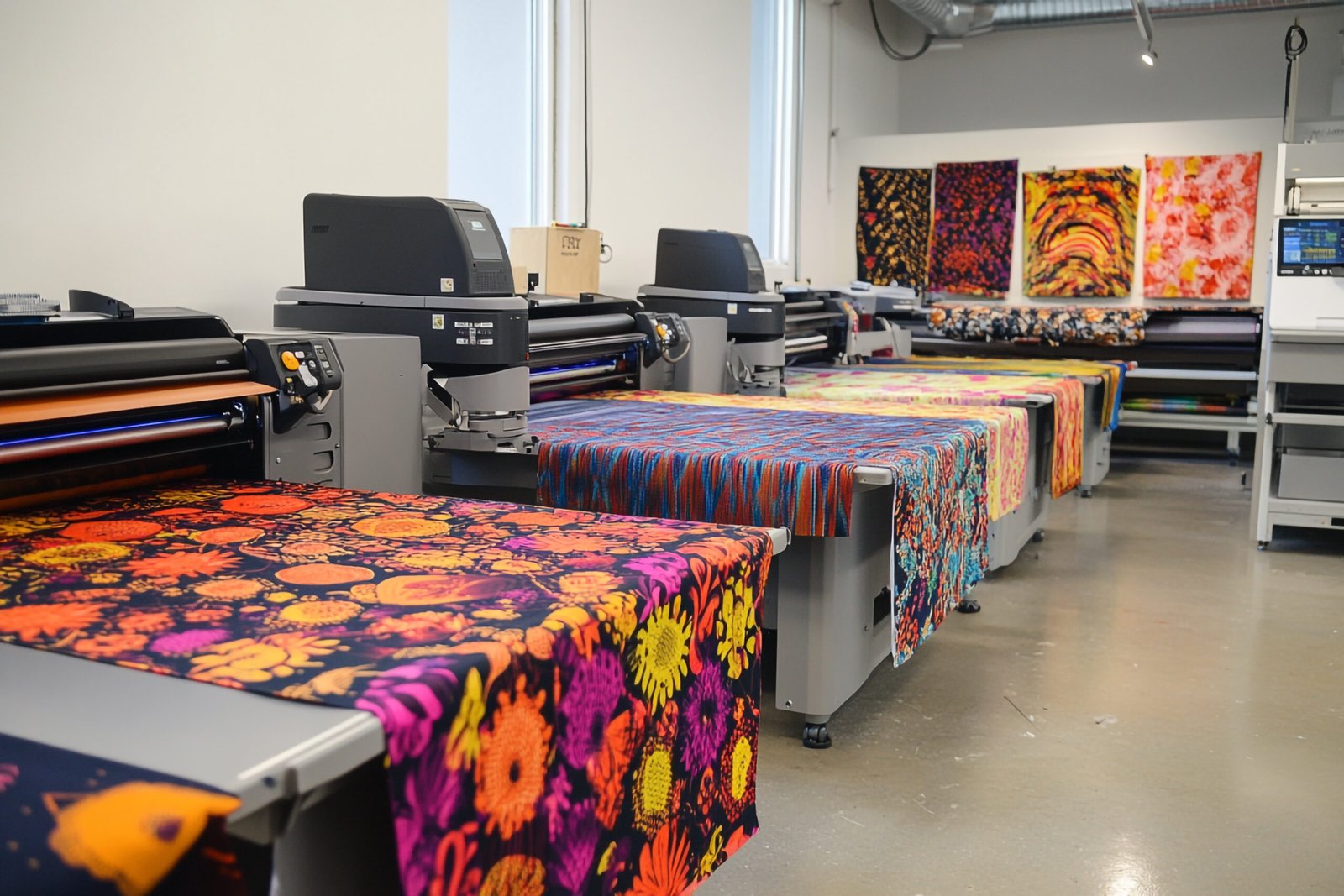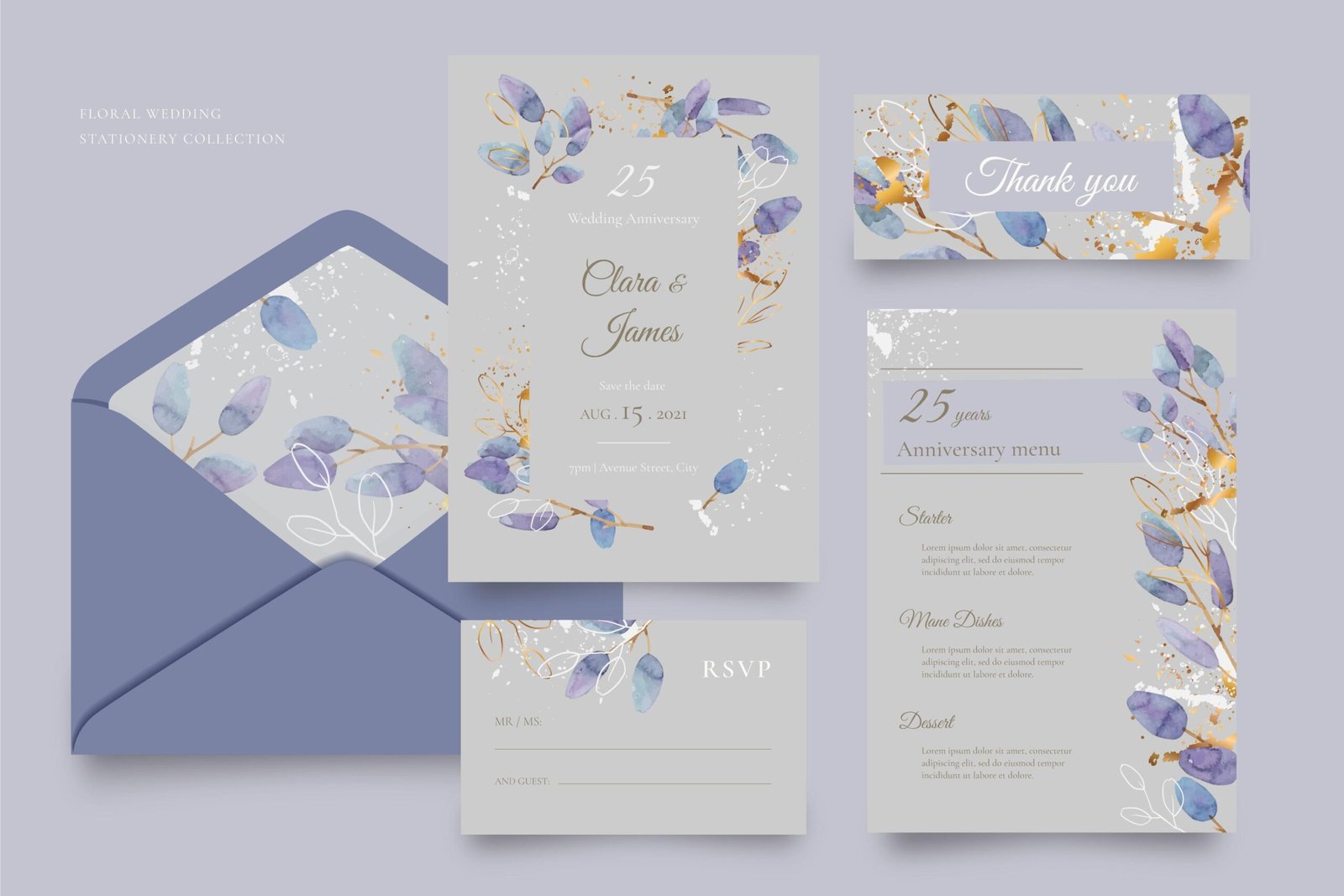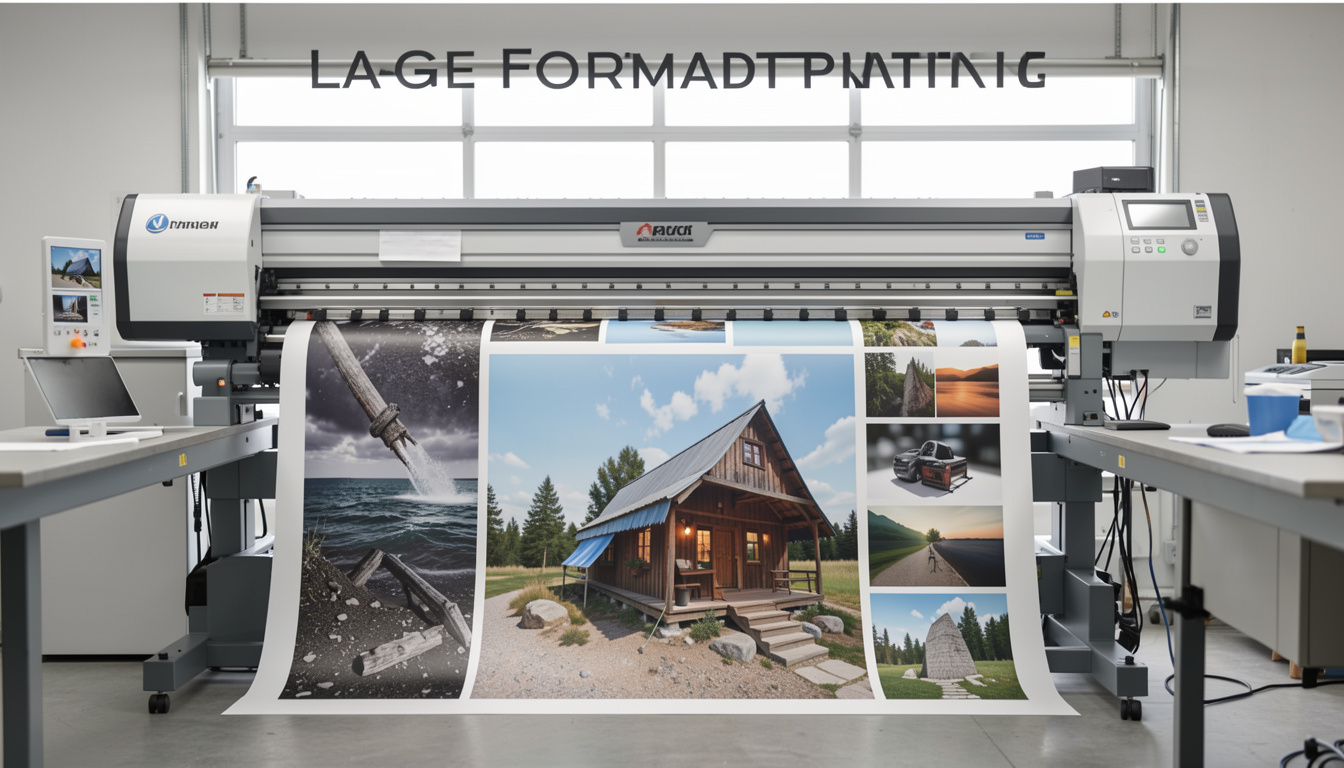
If you are planning an event, launching a campaign, or printing marketing materials for your business, understanding Printing Design is essential. Preparing print-ready files correctly can mean the difference between flawless results and costly reprints.
For event planners and business owners in Houston, mastering the basics of Printing Design ensures that brochures, invitations, banners, and promotional materials come out exactly as intended.
What Does “Print-Ready” Mean in Print Design?
In Printing Design, a file is considered print-ready when it meets all technical requirements for professional production. This includes proper resolution, correct color mode, bleed settings, and compatible file formats.
A design that looks perfect on screen may fail during printing if these elements are not configured correctly. That is why professional Printing Design always bridges creativity with production accuracy.
Why Proper Print File Preparation Matters Before Printing
Professional printing equipment requires precise specifications. Without proper Printing Design, you may experience:
- Blurry images
- Incorrect brand colors
- Cropped text or logos
- White borders due to missing bleed
- Pixelated large-format prints
For Houston businesses investing in commercial printing, mistakes can delay deadlines and increase costs.
How to Set Up Resolution for Print Design
Resolution is one of the most important aspects of Printing Design.
- Use 300 DPI for standard print materials.
- Use high-resolution images only.
- Avoid screenshots or web-quality images (72 DPI).
Low-resolution files may look sharp on a screen but will appear blurry when printed professionally.
Why CMYK Matters in Printing Design
Another critical step in Printing Design is using the correct color mode.
Digital screens use RGB.
Professional printing uses CMYK.
If your file remains in RGB, colors may print darker, duller, or inaccurate. Always convert your design to CMYK before exporting the final file.
Professional Printing Design services ensure accurate brand color reproduction, especially for logos and corporate materials.
How to Add Bleed and Margins in Printing Design
Bleed prevents unwanted white edges after trimming.
Standard Printing Design guidelines include:
- 0.125-inch bleed on all sides
- Safe margins to keep text away from trim lines
- Proper crop marks
Without bleed, even slight cutting shifts can damage your layout.
How to Add Bleed and Margins to Print-Ready Files
For professional Printing Design, the most recommended formats are:
- Print-ready PDF (preferred)
- AI (Adobe Illustrator)
- EPS
- High-resolution TIFF
Avoid sending editable Canva links or compressed JPEG files unless specified by your printer.
Common Printing Design Mistakes to Avoid
Even experienced designers sometimes overlook technical details. Common errors include:
- Using RGB instead of CMYK
- Forgetting bleed
- Embedding low-resolution images
- Using thin fonts that disappear when printed
- Not outlining fonts
Professional Printing Design review before production prevents these issues.
Should You Hire a Professional Printing Design Company?
If you are managing tight deadlines — especially for weddings, corporate events, or trade shows — professional Printing Design support ensures:
- Accurate file setup
- Material compatibility
- Premium finishing options
- On-time production
At Speedy Printing Design + Print in Houston, in-house experts review files to ensure they meet commercial printing standards before production begins.
FAQs About Printing Design and Print-Ready Files
What makes a file print-ready for professional printing?
A file must have 300 DPI resolution, CMYK color mode, proper bleed, and correct file formatting to ensure accurate and high-quality print results.
Can I prepare my own print design file?
Yes, but a professional review is recommended to prevent technical errors that could affect the final print quality.
Why work with a Houston print design company?
Local providers offer faster communication, better production oversight, and stronger quality control throughout the printing process.
Before sending your next project to print, make sure your print-ready files are fully prepared. Contact Speedy Printing Design + Print in Houston for expert file review and reliable commercial printing services.