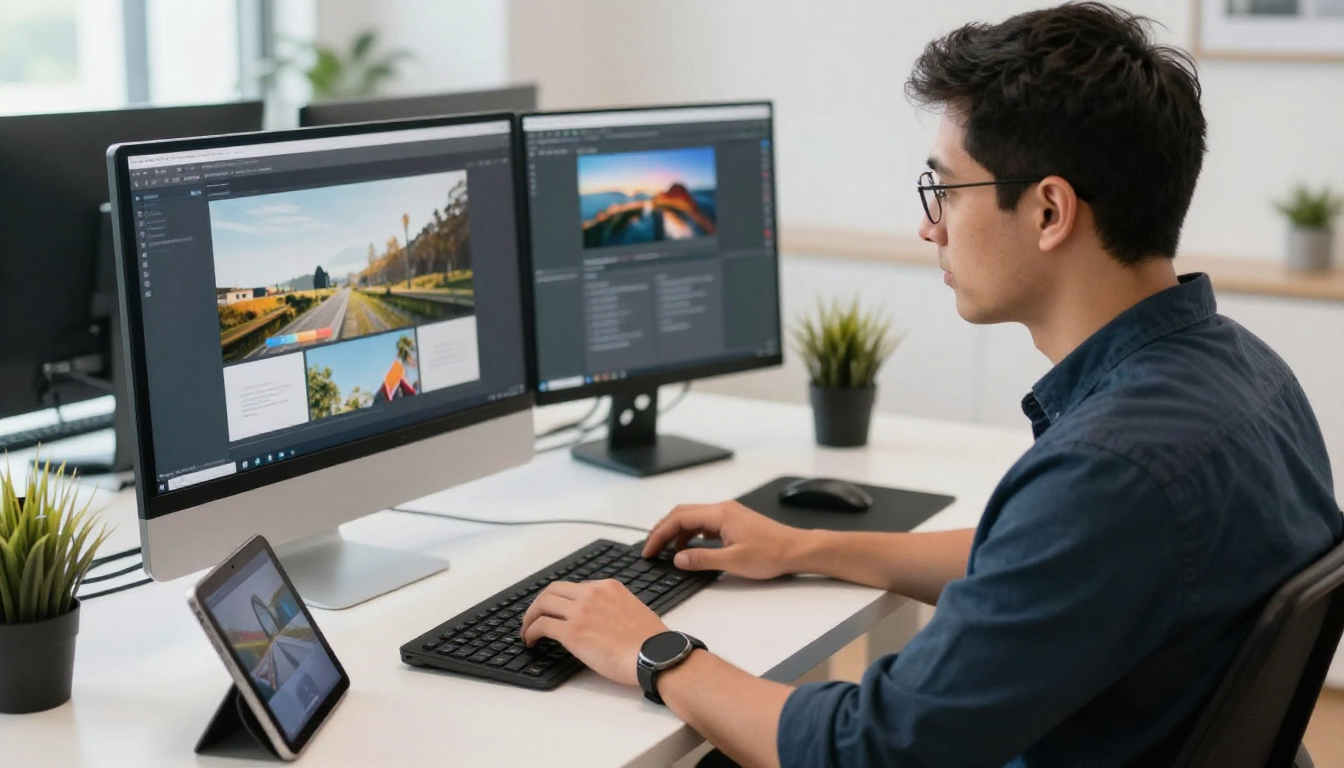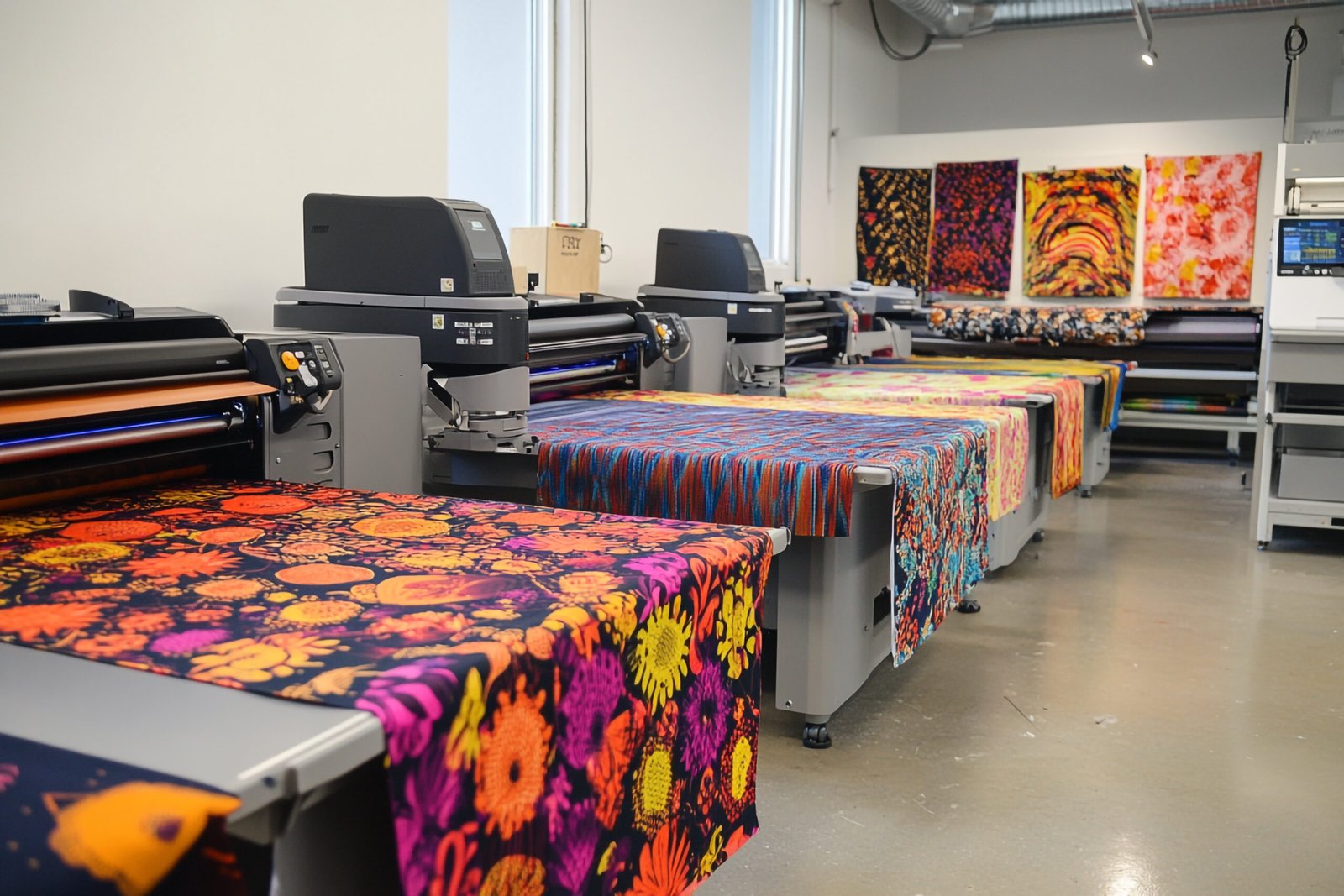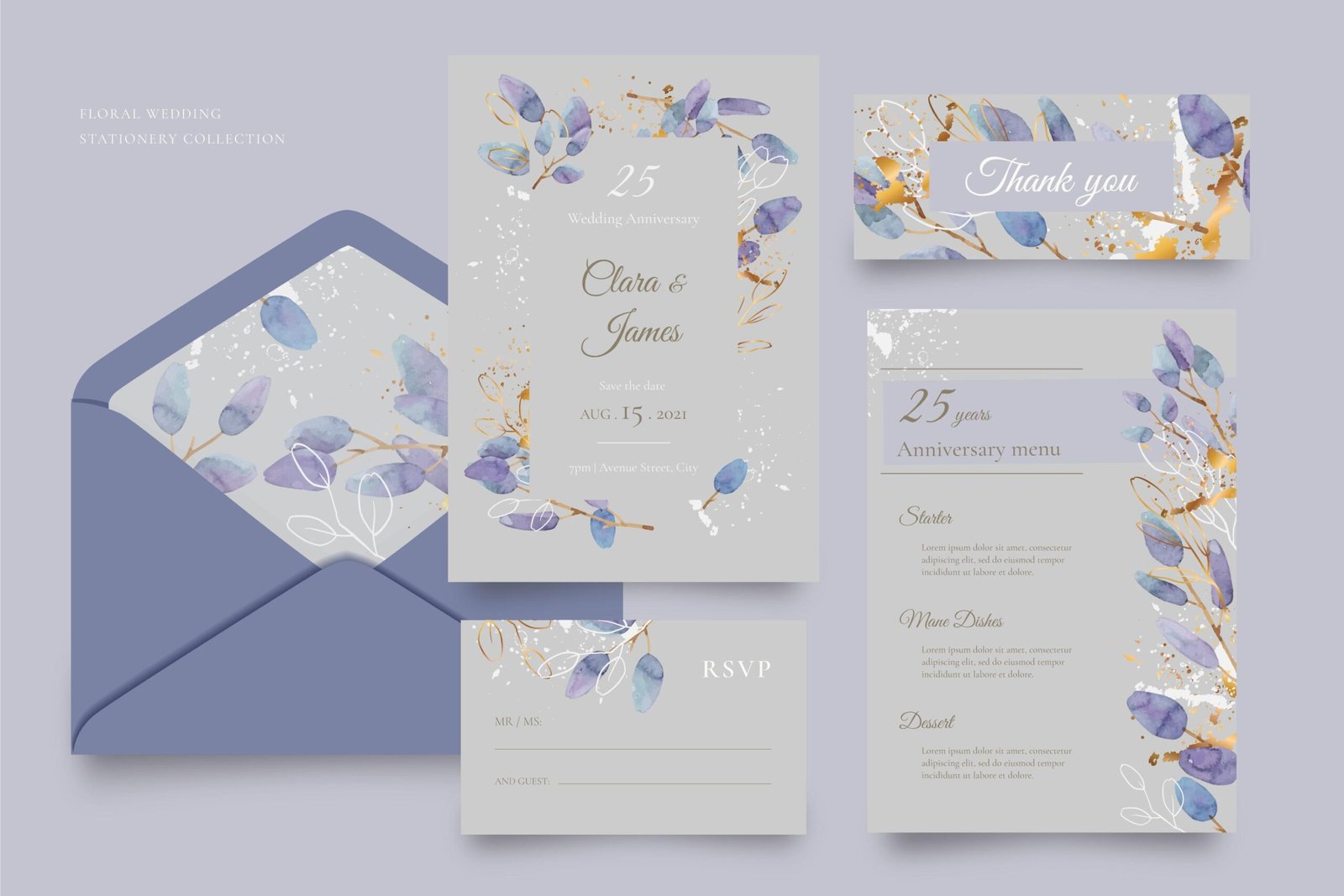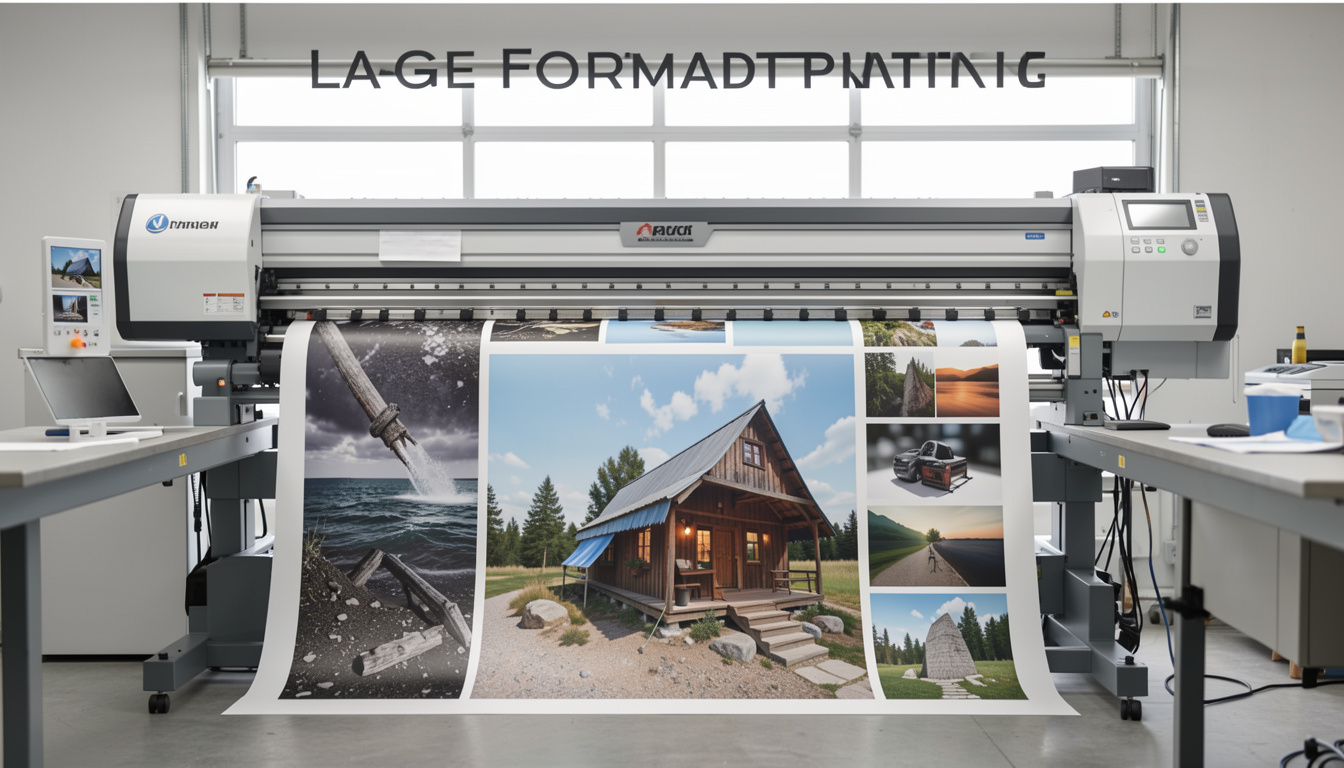
Choosing the right Software for Printing Design is essential when creating materials intended for professional printing. While many digital design tools promise easy layouts and quick results, not all platforms meet the strict technical standards required for commercial printing.
For marketing directors, startup founders, and growing businesses in Houston, understanding which Software for Printing Design supports professional production can prevent costly mistakes, improve workflow efficiency, and ensure printed materials reflect the quality of your brand.
From brochures and catalogs to signage and marketing collateral, the right tools help designers maintain precision, color accuracy, and layout consistency across every printed piece.
What Software Is Best for Professional Printing Design?
The best Software for Printing Design often depends on the complexity of the project. However, industry professionals consistently rely on a few trusted platforms that have become the standard for commercial printing preparation.
The most widely used tools include:
- Adobe InDesign
- Adobe Illustrator
- Adobe Photoshop
These programs offer advanced capabilities required for professional printing workflows. They allow designers to manage critical technical details such as:
- CMYK color profiles
- Bleed and margin settings
- High-resolution image handling
- Precise typography control
- Print-ready file exports
When preparing materials for commercial printing, these features help ensure that the final printed product matches the designer’s vision without unexpected color shifts, cropping issues, or layout distortions.
Why Is Adobe InDesign Popular for Printing Design?
Among professional designers, Adobe InDesign is widely considered the gold standard Software for Printing Design. It is specifically built for creating complex layouts and multi-page documents used in marketing and publishing.
Key advantages of InDesign include:
- Multi-page document management, ideal for brochures, catalogs, and magazines
- Master page functionality to maintain consistent branding across pages
- Advanced typography control for precise text formatting
- Professional print-ready PDF exports
- Full CMYK color management for accurate print production
Because InDesign is designed with print production in mind, it allows designers to build layouts that translate seamlessly from screen to press.
For businesses producing brochures, catalogs, or corporate reports, this Software for Printing Design provides the structure and reliability required for professional results.
Is Illustrator Good for Printing Design?
Yes. Adobe Illustrator is another powerful Software for Printing Design, especially when working with vector graphics.
Illustrator is commonly used for:
- Business cards
- Logos and brand assets
- Packaging layouts
- Labels and product graphics
- Signage and display elements
Because Illustrator uses vector-based graphics, designs remain perfectly sharp regardless of size. This makes it ideal for projects where scalability is essential, such as large signage or promotional materials.
Vector graphics also allow designers to maintain consistent quality when adjusting dimensions or adapting designs for different printed formats.
Can Canva Be Used for Printing Design?
For smaller projects or early-stage businesses, Canva can function as a basic Software for Printing Design. Its drag-and-drop interface makes it accessible for users without formal design training.
However, Canva does have limitations when preparing files for commercial printing. Some of these limitations include:
- Limited control over professional color profiles
- Basic bleed and margin settings
- Fewer export customization options
- Potential resolution limitations for complex graphics
While Canva can work well for simple materials such as social media graphics or basic flyers, professional printing projects often require more advanced tools to ensure consistent, high-quality output.
What About Online Printing Design Platforms?
Many online platforms now combine design tools with printing services, offering templates that allow users to quickly create marketing materials.
Although these platforms can be convenient, they often restrict important aspects of file preparation, including:
- Layout flexibility
- Export control
- Advanced typography settings
- Specialty printing compatibility
Professional Software for Printing Design allows designers to fully customize their layouts before sending files to print. This flexibility becomes especially important when working with specialty finishes, large-format printing, or complex marketing materials.
Why Software Alone Is Not Enough in Printing Design
Even the most advanced Software for Printing Design cannot replace professional printing expertise.
High-quality print production requires understanding several technical factors beyond layout creation, including:
- Paper weight and texture
- Specialty finishes such as foiling or embossing
- Die-cutting requirements
- Wide-format printing specifications
- Commercial press calibration
For this reason, many businesses in Houston choose to collaborate with professional Printing Design and commercial printing providers who can guide projects from concept to final production.
This collaboration ensures that designs created in software translate correctly into physical materials.
How to Choose the Right Software for Printing Design
Selecting the right Software for Printing Design depends on several factors related to your business and project needs.
Consider the following:
- Project complexity
- Volume of printed materials
- Brand consistency requirements
- Internal design expertise
- Collaboration with your printing partner
Businesses that frequently produce marketing materials often benefit from professional tools like Adobe InDesign or Illustrator. However, organizations without dedicated design teams may prefer to collaborate with experienced Printing Design professionals who can handle both design preparation and printing production.
FAQs About Software for Printing Design
What is the most professional Software for Printing Design?
Adobe InDesign and Adobe Illustrator are widely considered industry-standard tools for professional printing design projects.
Is free software enough for printing design?
Free tools can work for simple projects, but commercial printing usually requires advanced software that supports color management, bleed settings, and high-resolution file exports.
Should businesses work with a professional printing company instead?
If quality and production accuracy are important, working with an experienced printing partner helps ensure designs are properly prepared and printed.
Work With Printing Experts in Houston
Need support beyond Software for Printing Design?
Speedy Printing Design + Print in Houston offers professional in-house Printing Design, commercial printing, and specialty finishing services to ensure every project meets the highest quality standards from concept to production.
Whether you need marketing materials, catalogs, signage, or custom print solutions, our team helps transform your ideas into high-impact printed results.